Please visit https://app.suremark.digital/login to sign content with your SureMark credential:
Once you are logged in you should see a screen like the one below.
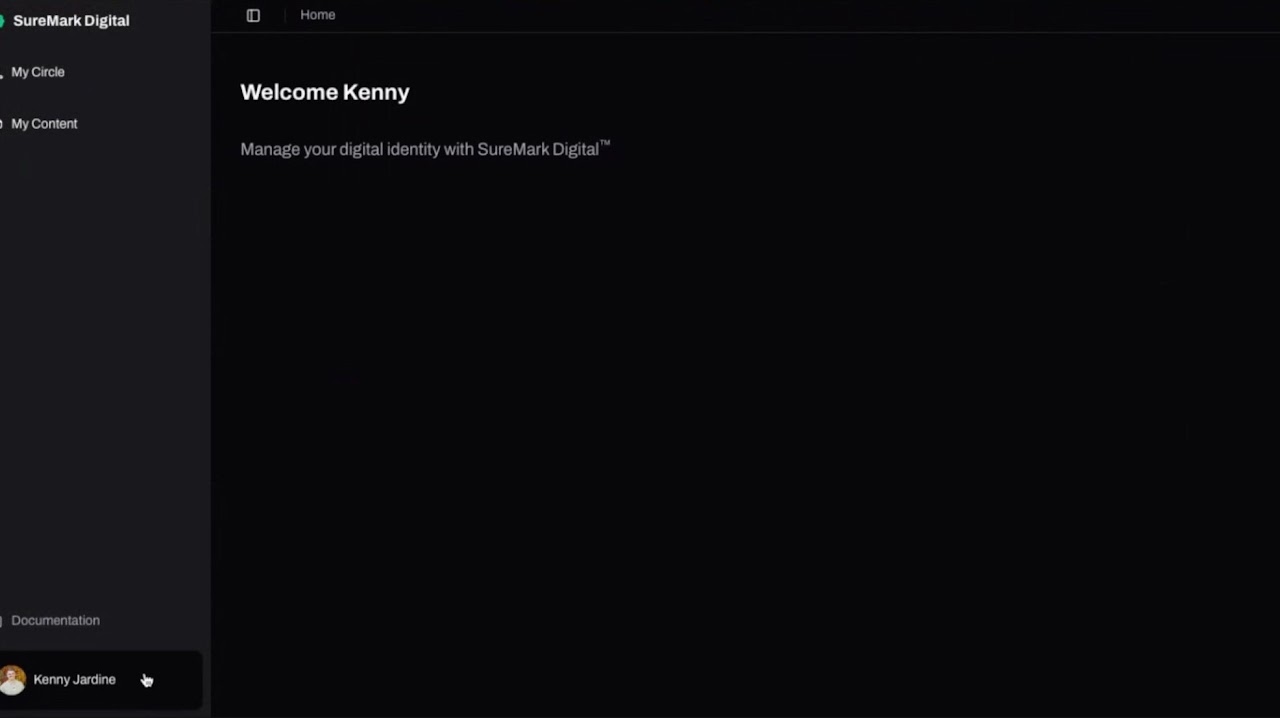
Once you are logged in you should see a screen like this with a listing of your content
If it is empty we will fix that with the next step
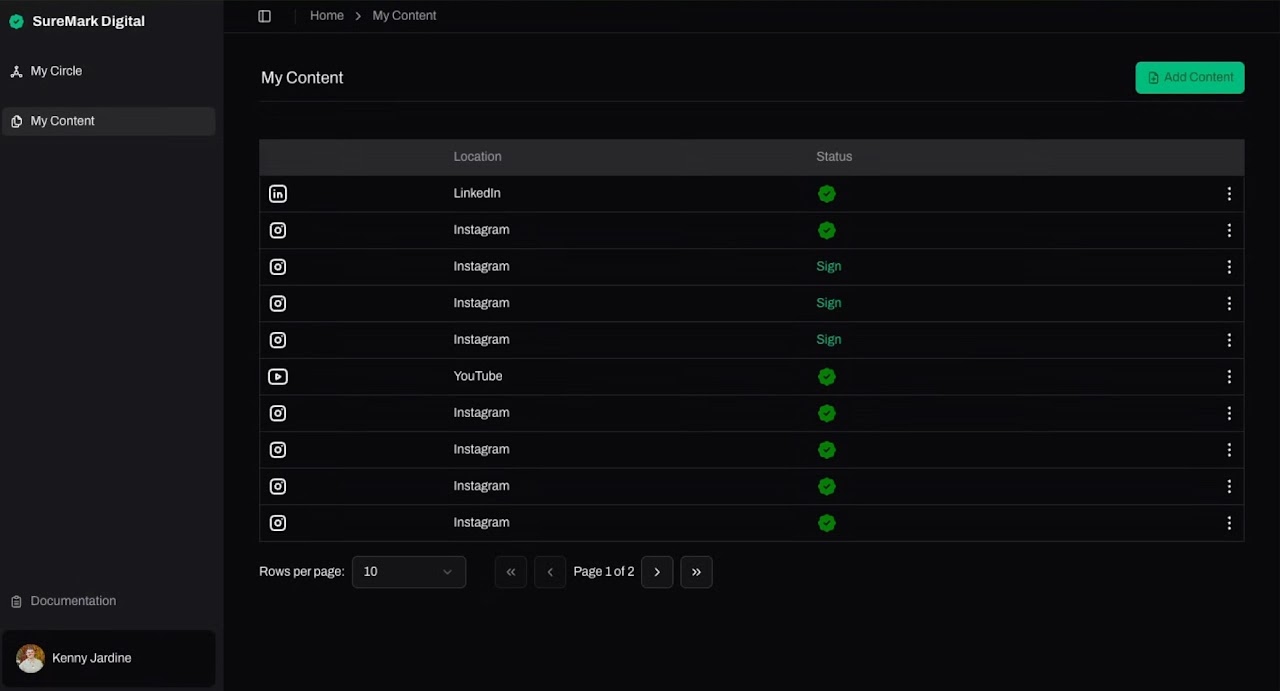
In the top right corner you should see a green box with the words "Add Content" and when you click it a popup window will appear with the title "Upload Content"
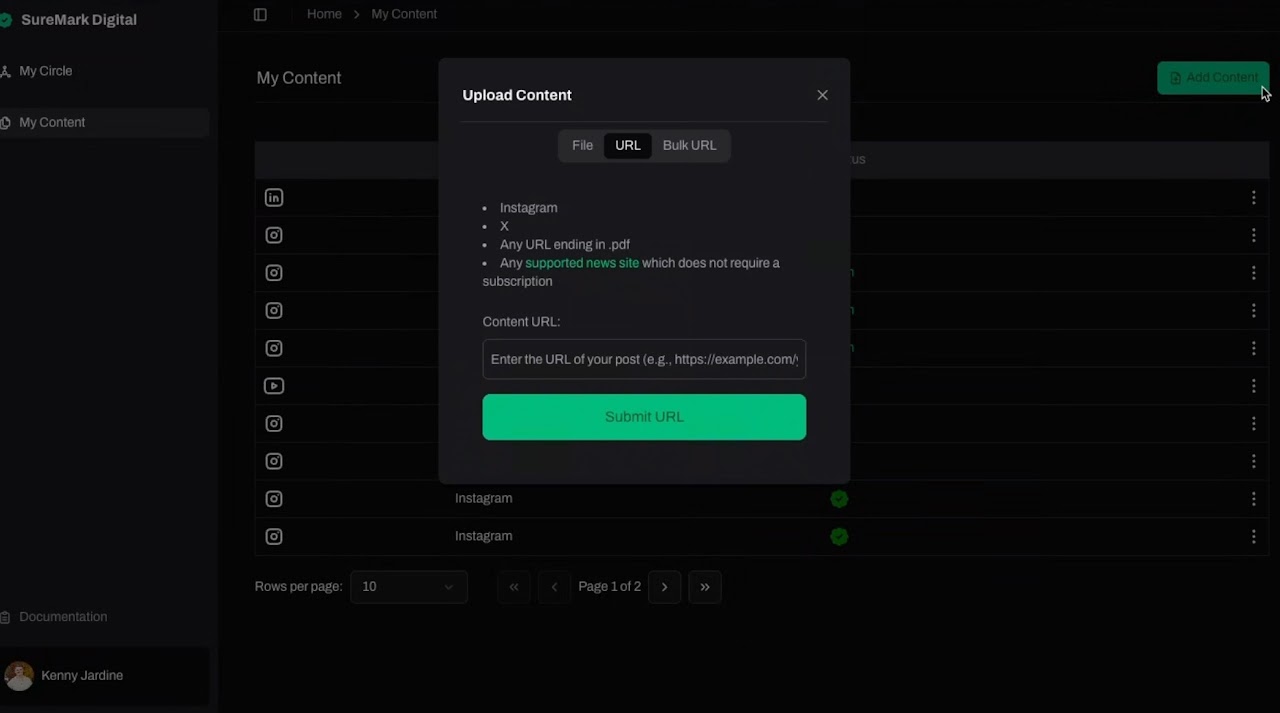
Now you have the option to upload a file, type in a URL or use the Bulk URL funtion
If you chose the "Upload file" button, the file you upload will live in the directory
If you chose the "URL" button, a text box will apear to type in the URL of the content you want to sign
For Bulk Upload, make sure that you enter each URL on a new line
Was this article helpful?
That’s Great!
Thank you for your feedback
Sorry! We couldn't be helpful
Thank you for your feedback
Feedback sent
We appreciate your effort and will try to fix the article